
Unexpectedly Practical iPad Uses
Replace Your Laptop
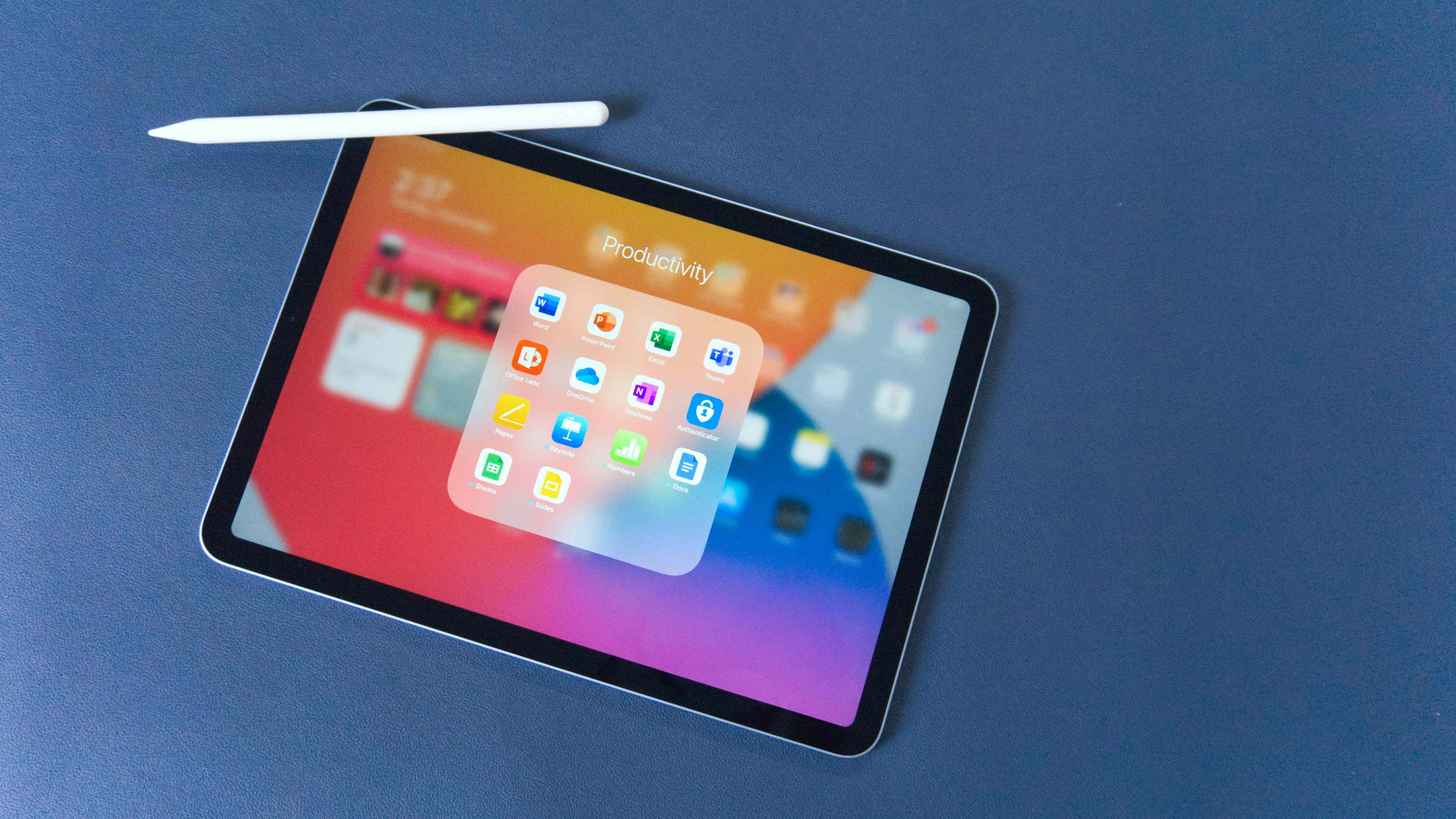
The iPad is a powerful device that can handle most basic computing tasks. While it may not completely replace your laptop or desktop PC, it can fulfill many of the same functions for general use. With the right accessories like a keyboard and mouse, you can set up your iPad to mimic a traditional laptop or desktop setup. It’s great for searching the web, checking emails, and staying productive with apps like the Notes app.
Stay Connected on Social Media
Most social media platforms have dedicated iOS or iPadOS apps, making it easy to stay connected. The iPad's Retina Display and True Tone technology enhance the visual experience, making photos and videos look more vivid. Compared to smartphones, the iPad offers more screen space without the bulk of a laptop, making it ideal for sharing updates and browsing content.
Play Games
While casual games like Candy Crush and Temple Run are popular, the iPad also supports more advanced titles that can satisfy even hardcore gamers. The latest models offer graphics power comparable to older gaming consoles like the Xbox 360 or PlayStation 3, providing an immersive gaming experience. Apple also supports wireless controllers and keyboard/mouse setups for certain games, enhancing the gameplay.
Watch Movies, TV, and YouTube
The iPad is a versatile media player. You can buy or rent movies and shows, stream from services like Netflix or Hulu, and even watch free movies. It also supports watching TV through cable provider apps or streaming services like Sling TV or YouTube TV. The large screen makes it perfect for binge-watching your favorite shows.
Create Your Own Custom Radio Station
As a music player, the iPad is just as functional as the iPhone. Sync it with Apple Music or your PC to access custom playlists. Use the Genius feature to create on-the-fly playlists based on your preferences. Stream music via iHeartRadio or create your own radio station on Pandora by selecting songs or artists you love. With an Apple Music subscription, you can stream most songs and enjoy curated radio stations in the app.
Read a Good Book
The iPad makes a great e-reader. You can purchase books through the Books app or access your Kindle library using the iPad Kindle app. Sync your content across devices so you can pick up where you left off. There are also free e-books available from Project Gutenberg, including classics like Sherlock Holmes stories and Pride and Prejudice.
Help Out in the Kitchen
The iPad can be a valuable tool in the kitchen. Apps like Epicurious allow you to search for recipes based on ingredients or dietary needs. It’s a modern take on the traditional cookbook, making meal planning easier and more efficient.
Video Conferencing
Use the iPad’s front-facing camera for video calls via FaceTime. For professional meetings, download apps like Zoom to conduct virtual conferences. The iPad provides a clear and stable connection for both personal and business use.
Use It Like a Camera
Newer iPads come with high-quality built-in cameras that can capture sharp photos and videos. Even older models with an 8MP iSight camera perform well. You can use various shooting modes and lighting settings to get the best results. Enhance your videos with iMovie and share them easily via iCloud.
Upload Pictures
Transfer photos to your iPad using Apple’s Lightning to USB adapter or Camera Connection Kit. These tools support most digital cameras and allow you to import both photos and videos. You can also edit images using the built-in Photo app or third-party editing apps.
Stream Movies/Music From Your PC
With iTunes’ Home Sharing feature, you can stream music and movies from your PC to your iPad. This allows you to access your entire collection without using extra storage space on your device.
Connect It to Your TV
Connect your iPad to a TV using Apple AirPlay mirroring with an Apple TV or smart TV. For a wired connection, use the Digital AV Adapter via HDMI. Once connected, you can stream videos and play games on the big screen.
Replace Your GPS
Use your iPad and Apple Maps to replace your car’s GPS. A cellular-connected iPad or a data-tethered model works best. An iPad mount will help keep it secure while driving.
Use as a Personal Assistant
Siri, Apple’s virtual assistant, can help with scheduling, reminders, and launching apps. It also provides weather forecasts, finds nearby stores, and plays music.
Connect a Keyboard
A physical keyboard can significantly improve typing efficiency. Many wireless keyboards work with the iPad, and some keyboard cases transform it into a laptop-like device.
Write a Letter
Microsoft Word is available for the iPad, allowing you to create and edit documents. Apple’s free apps, Notes and Pages, also offer robust word processing capabilities.
Edit a Spreadsheet
You can edit Microsoft Excel spreadsheets using the iPad version of Excel. Apple’s Numbers app is also a powerful alternative, supporting Excel files and comma-separated values.
Create a Presentation
Apple’s Keynote app is a free and powerful presentation tool for the iPad. It allows you to create and display professional-looking slides. Microsoft PowerPoint is also available for more advanced features.
Print Documents
AirPrint allows you to print wirelessly from your iPad to compatible printers. This feature is supported by many major brands, making it easy to print documents from various apps.
Accept Credit Cards
Use a credit card reader app to turn your iPad into a cash register. Popular options include Square and PayPal, which let you process payments quickly and securely.
Connect Your Guitar
Music industry pioneers like IK Multimedia have created interfaces like the iRig, allowing guitars to connect directly to the iPad. Combined with apps like AmpliTube, the iPad becomes a multi-effects processor for practice and performance.
Create Music
With MIDI support, the iPad can function as a music production tool. Apps like GarageBand and MIDI-compatible software allow you to compose and record music. A MIDI keyboard can be used to play virtual instruments.
Record Music
GarageBand lets you record and manipulate multiple tracks. Connecting a microphone allows the iPad to serve as a multi-track recorder for practice sessions or home studios.
Use as an Additional Monitor
Macs running macOS Catalina or later can use Sidecar to turn the iPad into a second display. Third-party apps like AirDisplay and DuetDisplay also enable this functionality for PCs and Macs.
Control Your Home PC (iTeleport)
Apps like GoToMyPC and iTeleport allow you to control your PC remotely from your iPad. This is useful for managing files, accessing software, or troubleshooting issues.
Make It Kid-Friendly
Enable parental controls to restrict app downloads, limit in-app purchases, and manage access to Safari. This ensures a safe and controlled environment for children.
Turn the iPad Into an Old-Fashioned Arcade Game
Accessories like the ION iCade turn the iPad into a retro-style arcade game. These devices come with joysticks and buttons, bringing classic games like Asteroids and Pac-Man to life.
Scan Documents
Use a scanner app to convert documents into digital format. Most apps automatically adjust the image for clarity and alignment, mimicking the quality of a traditional scanner.
Take Advantage of the Virtual Trackpad
For precise cursor control, use the Virtual Trackpad feature found in Accessibility settings. This is especially useful when working in applications that require detailed editing.

Post a Comment for "Unexpectedly Practical iPad Uses"
Post a Comment