
Adobe MAX 2025: Day 2 Live from the Creativity Summit
Adobe MAX 2025: A Deep Dive into the Future of Creative Technology
Welcome to our live coverage of Adobe MAX 2025, taking place in sunny Los Angeles. This event promises two days filled with product announcements, demos, and one-on-one interactions that are set to reshape the creative landscape.
Day two of the conference is already underway, with a keynote session expected to reveal more details about upcoming features. In the evening, attendees will get a sneak peek at pipeline products and never-before-seen developments. The atmosphere is electric as we settle in for what promises to be an action-packed day.
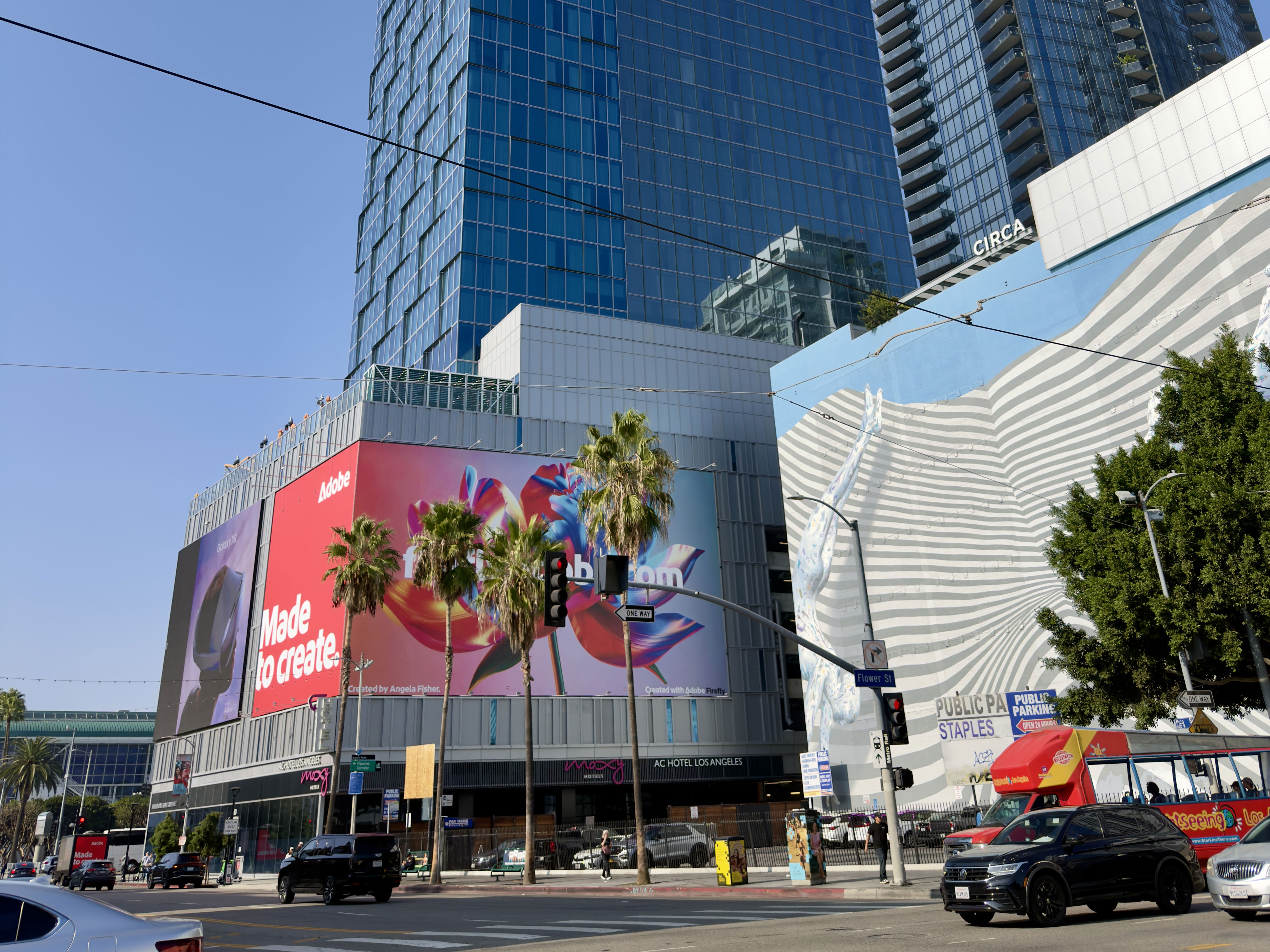
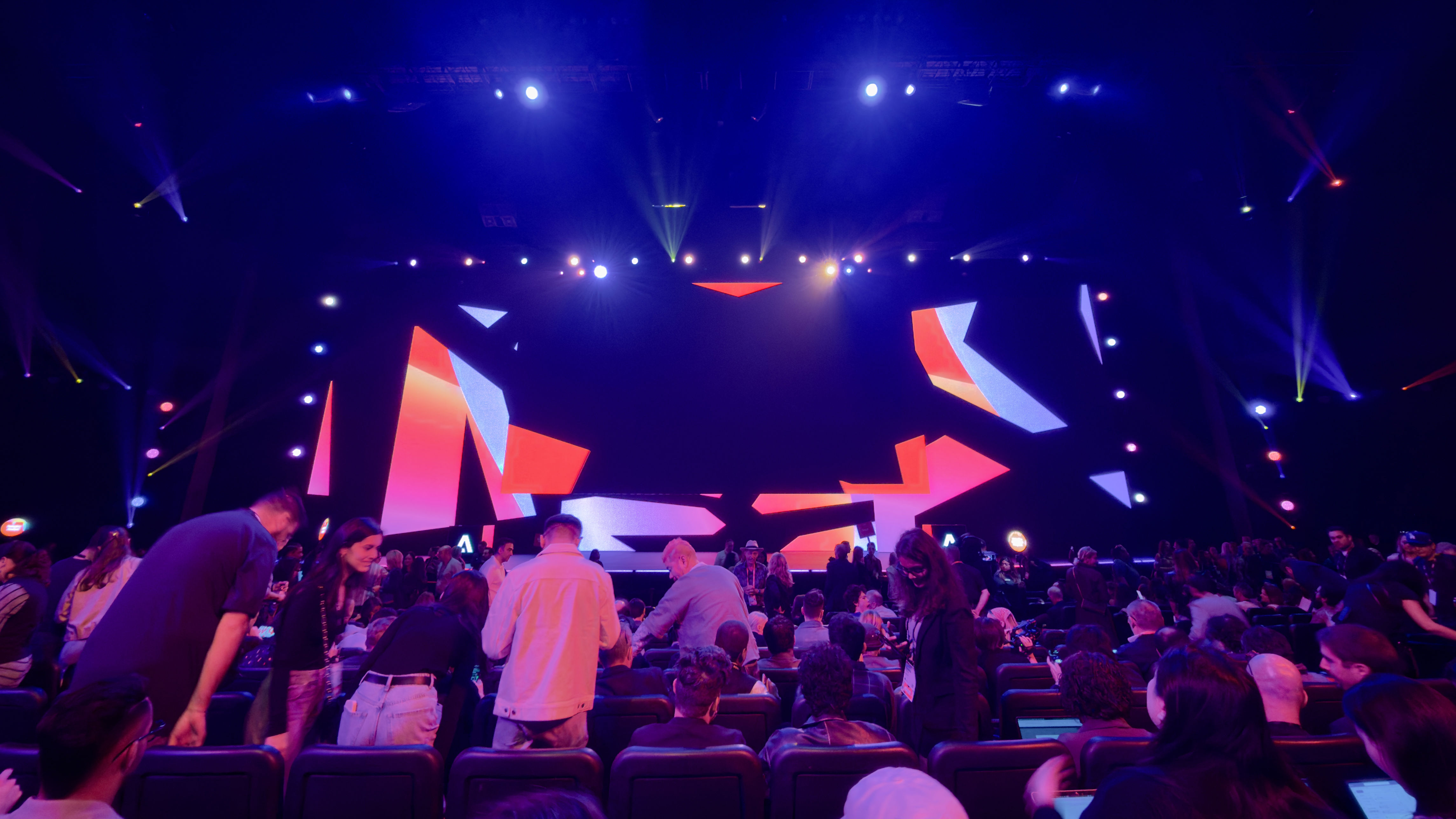
The morning starts early with the first keynote session of the day. Attendees are eager to see what Adobe has in store, especially given the clear emphasis on AI-driven tools and innovations. The keynote theater is filling up quickly, as thousands of creatives gather in anticipation of the announcements.
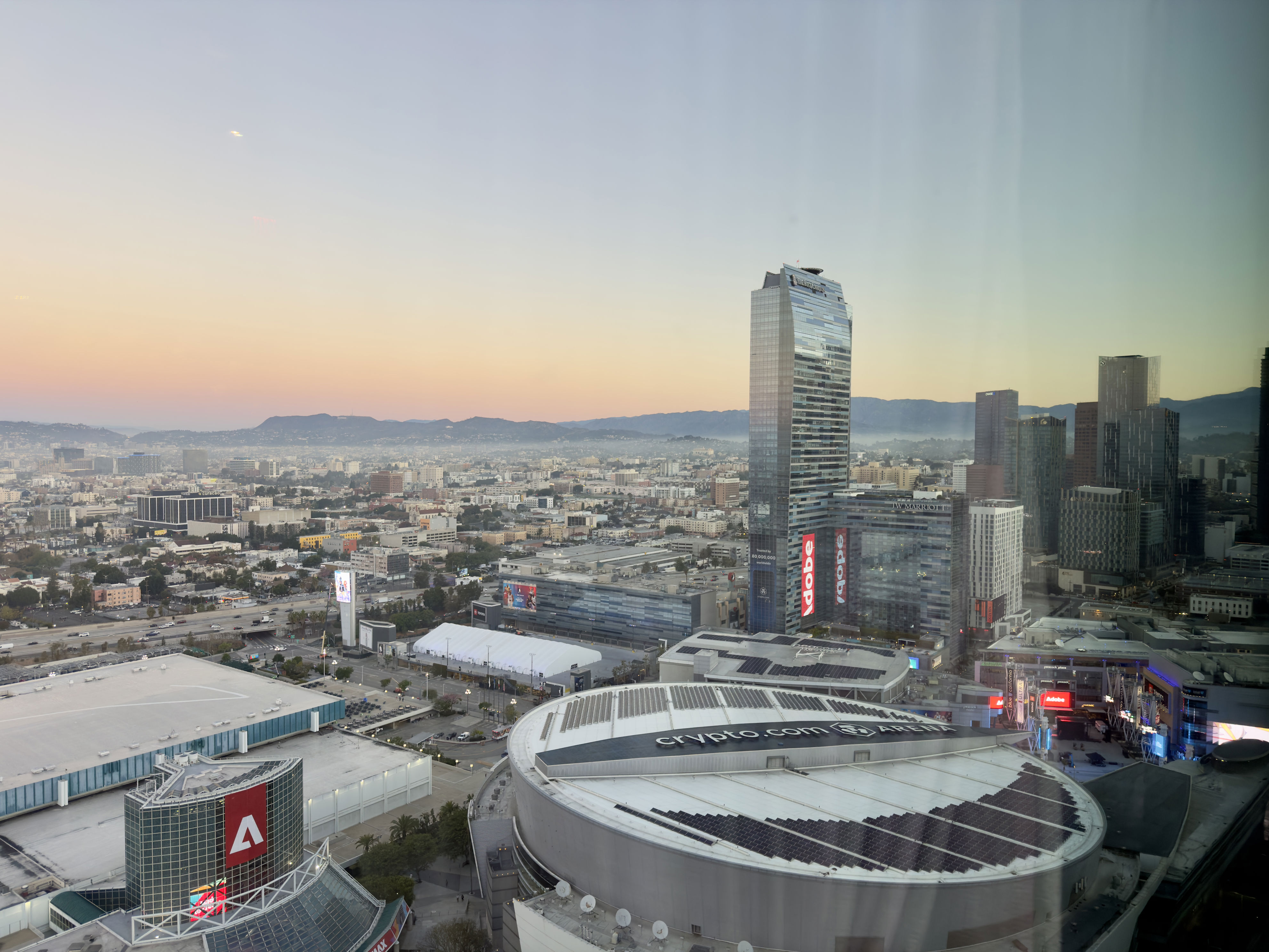
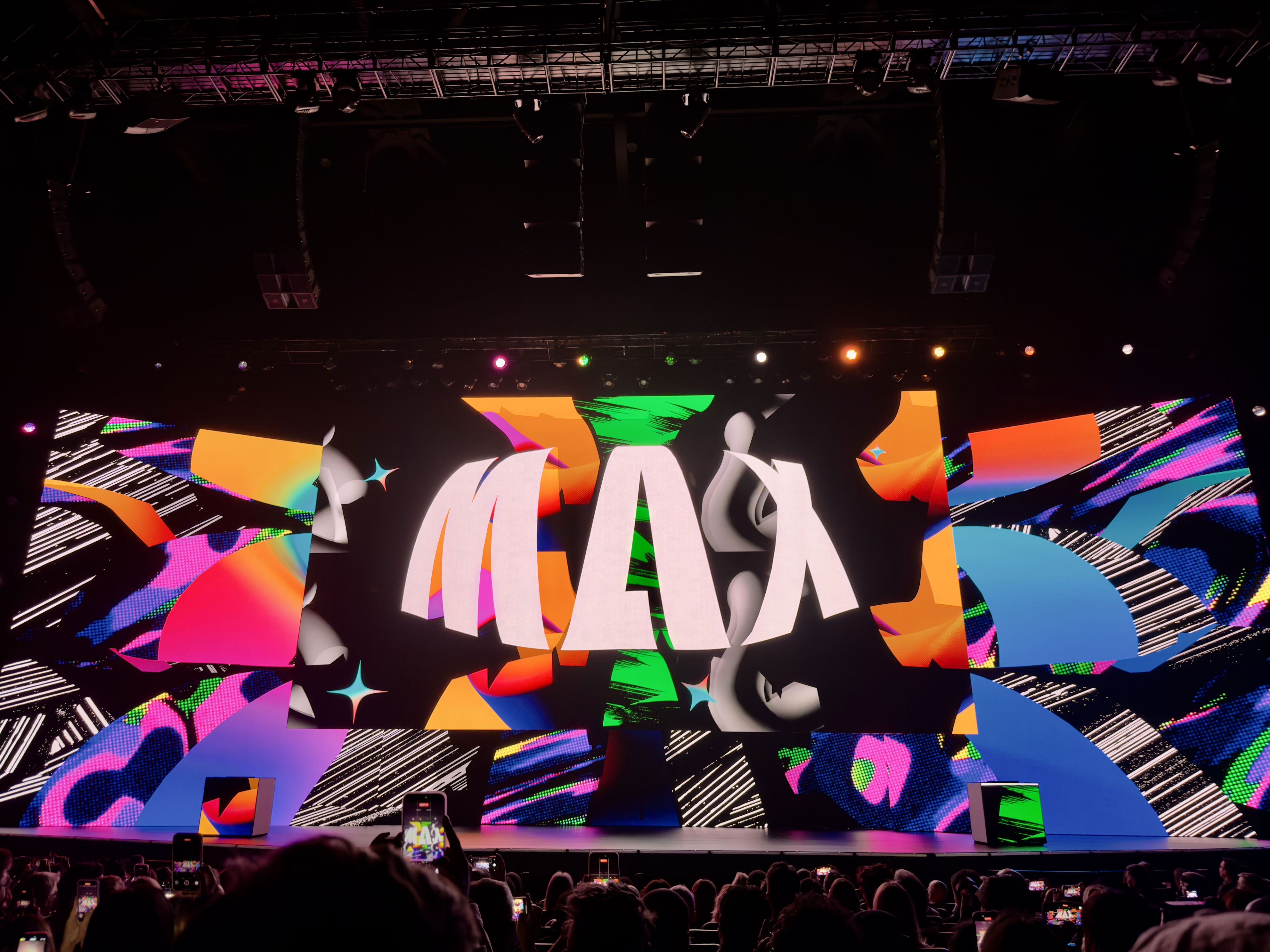
As the session begins, CEO Shantanu Narayen takes the stage, delivering a welcome message to the crowd. He highlights the importance of next-gen conversational interfaces for consumers, creators, and enterprises alike. “The future belongs to those who create,” he declares, setting the tone for the day’s discussions.
David Wadhwan, Digital Media President for Adobe, steps up to unveil some of the new launches. “We've never shown more innovation on stage,” he states, signaling the start of a series of impressive demos.
The first demo of the day showcases Firefly Custom Models, allowing creatives to customize their own models using existing assets. “Upload your own assets and we'll tune the model for you,” Wadhwan explains. This feature is set to launch in the coming days.
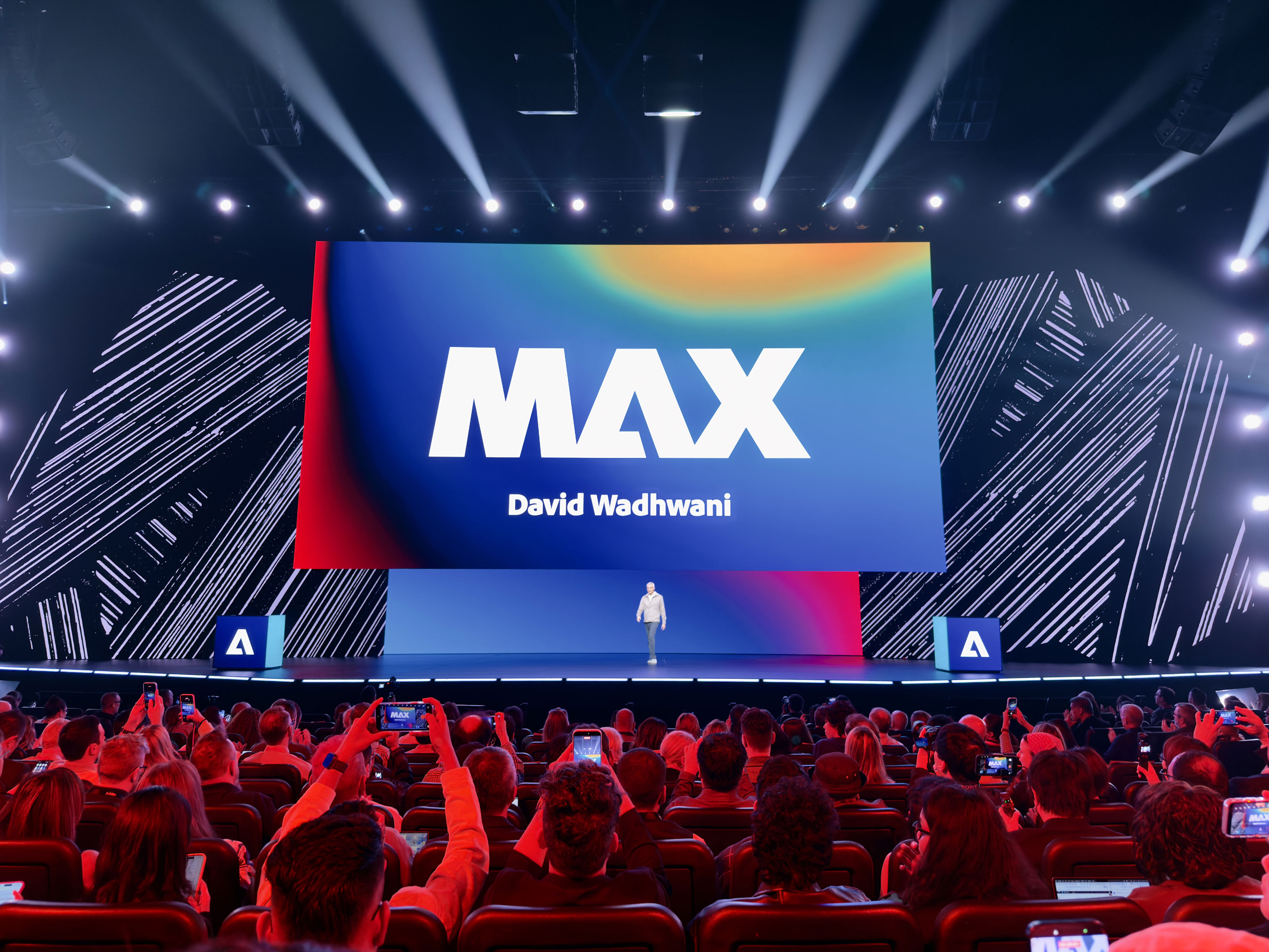
Next up is the Adobe AI Assistant, which can handle edits instantly, whether it's content, graphics, or finer details. Users can simply give instructions via a conversational interface, making the process seamless and efficient.
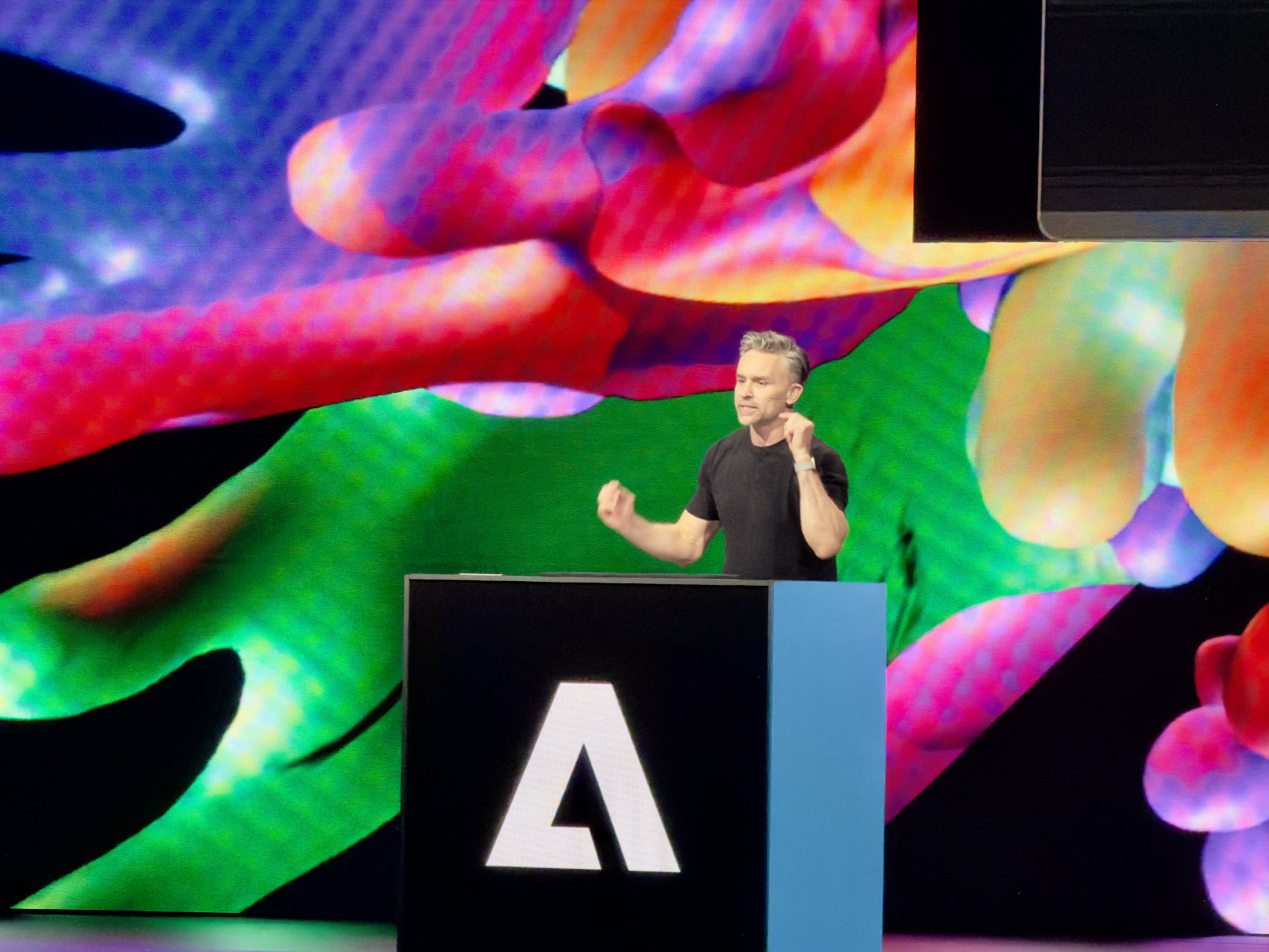
Wadhwan emphasizes that users don’t need to be professionals to benefit from these tools. “Adobe will sort out the models powering the changes for you, but you still get UI tools to customize the changes if AI didn't quite nail it for you,” he adds.
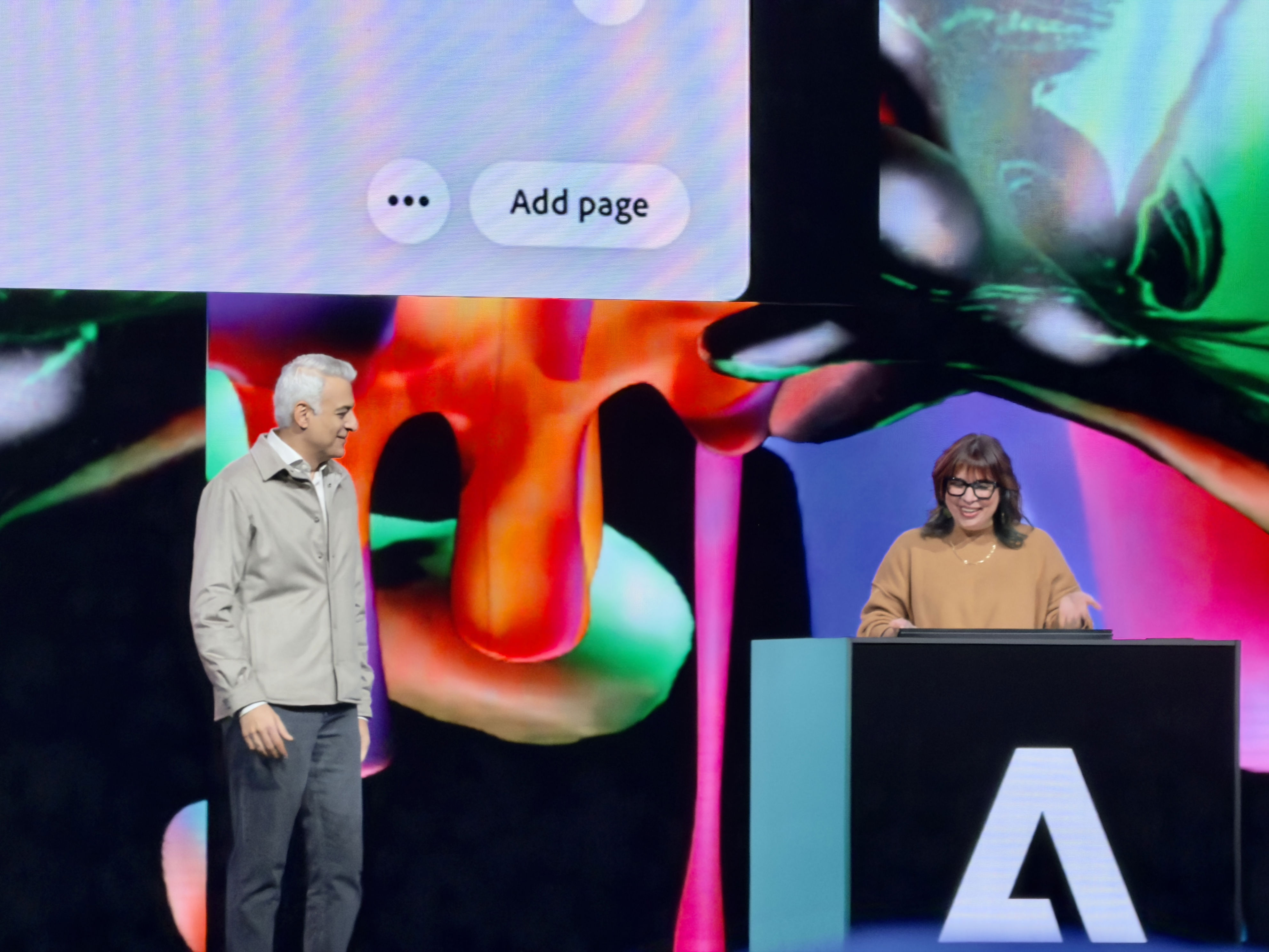
Another demo highlights Photoshop’s ability to make changes to brightness, contrast, hue, saturation, and more with a single natural-language prompt. For example, “Rename all my layers based on my content” becomes a reality, streamlining the workflow for users.
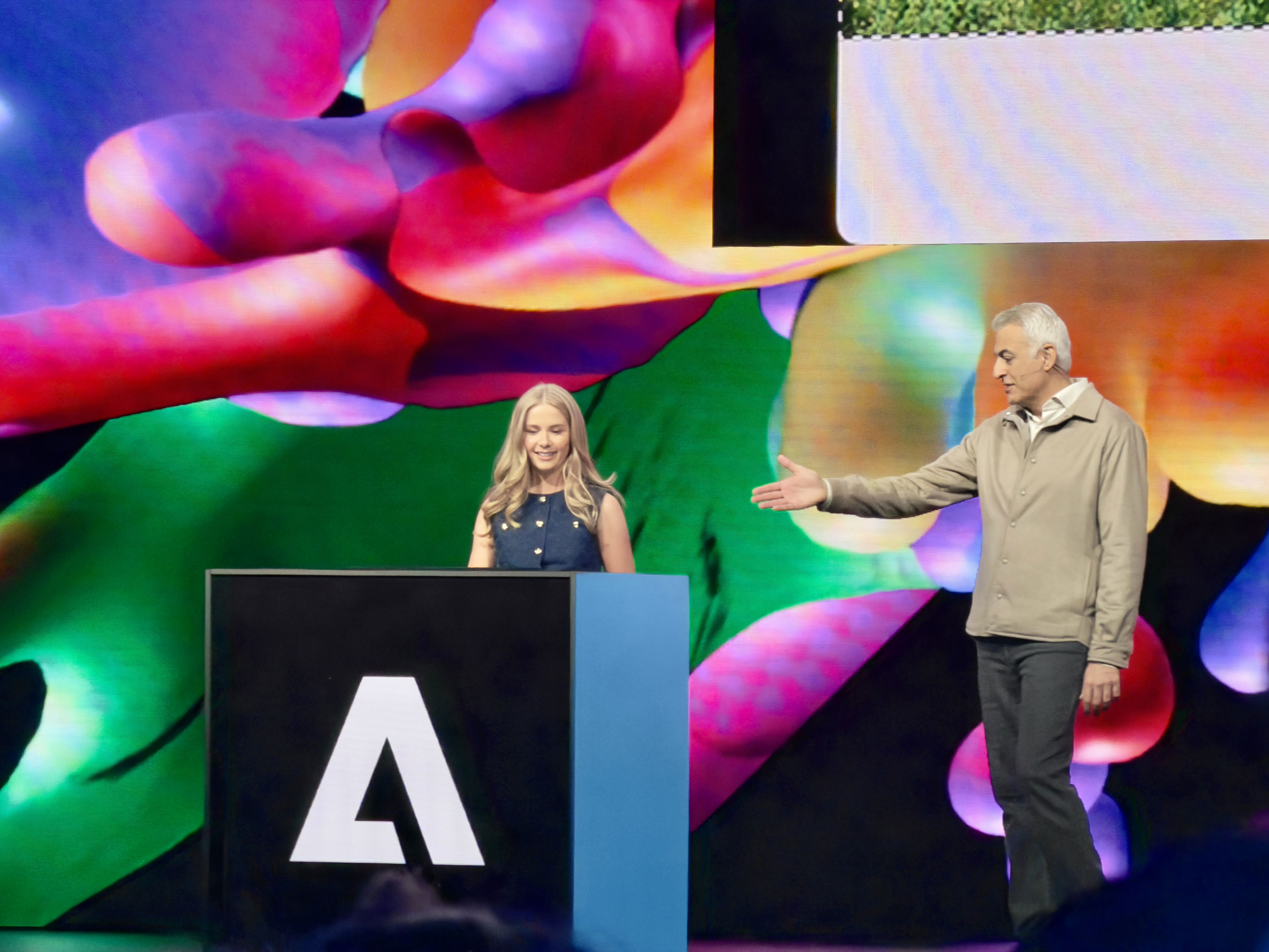
Adobe Express AI Assistant and Adobe Photoshop AI Assistant (both in beta) will soon be available. Prospective users can join the waitlist for early access. Additionally, Adobe Express in ChatGPT is coming soon, allowing users to create and edit assets directly within the familiar ChatGPT interface.
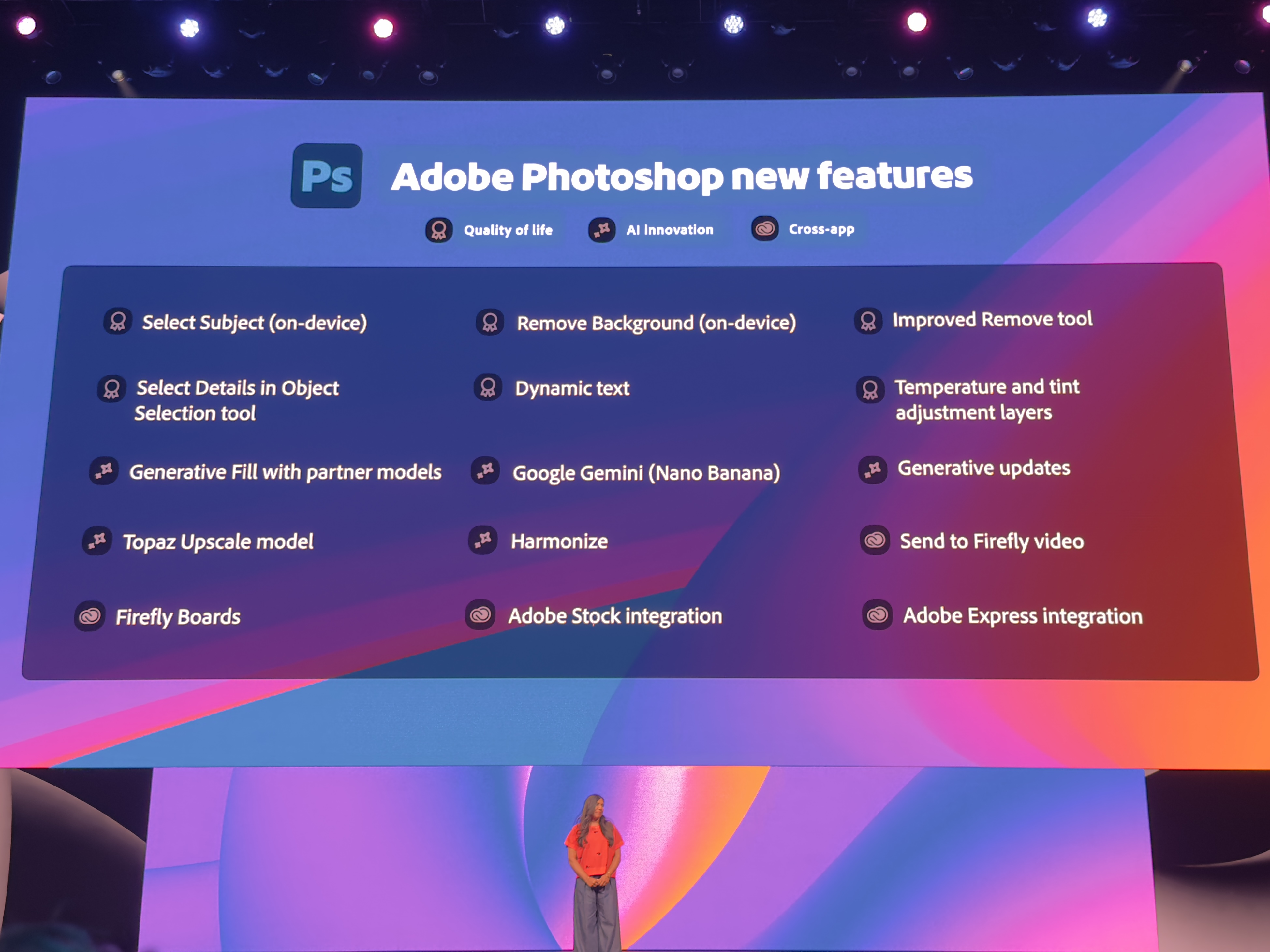
Ely Greenfield, CTO & SVP Creative Products, announces Firefly Image Model 5, promising realistic and highly accurate images with pro-grade lighting and composition. Images will be generated at 4MP before being upscaled.
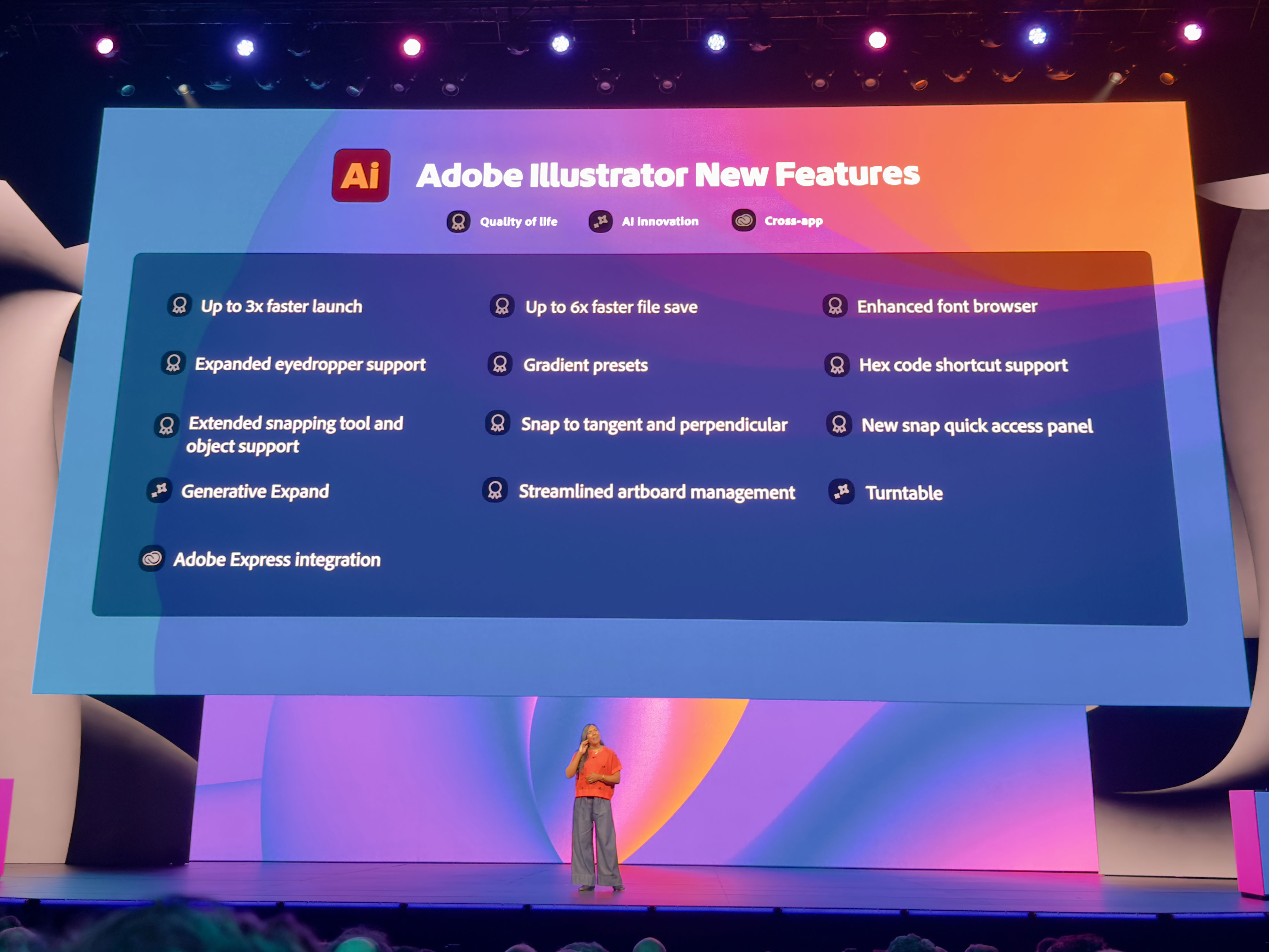
Video editing, custom transitions, and special effects will also be handled by Adobe Firefly on the web, requiring only natural language prompts. The Premiere mobile app is now available for iOS, offering simplified video editing on the go.
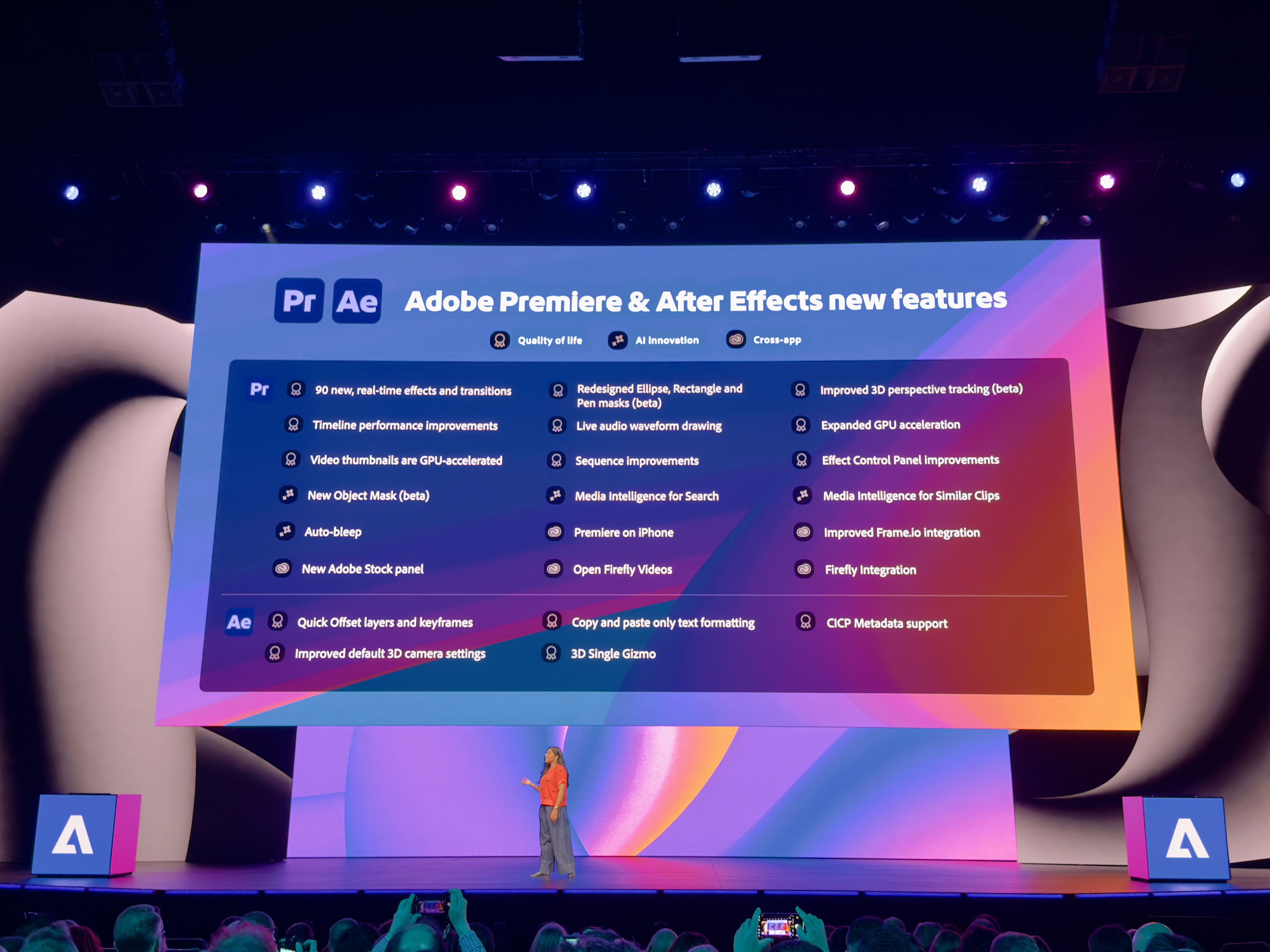
Adobe is partnering with YouTube to launch 'Create for YouTube,' an easier way to make Shorts from the mobile app. Generative upscale allows creatives and marketers to use GenAI to upscale images for bigger applications, even reviving old family photos.
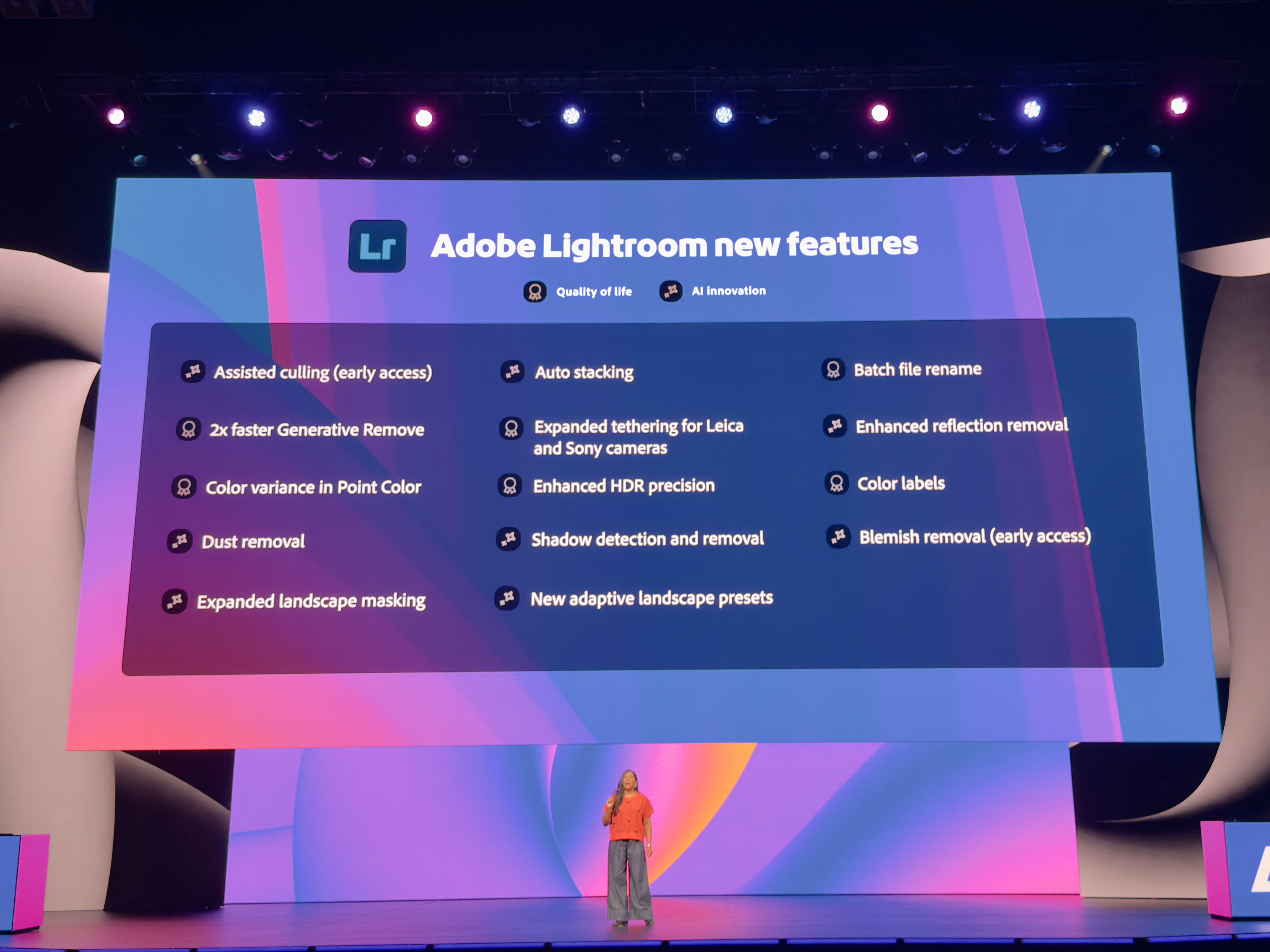
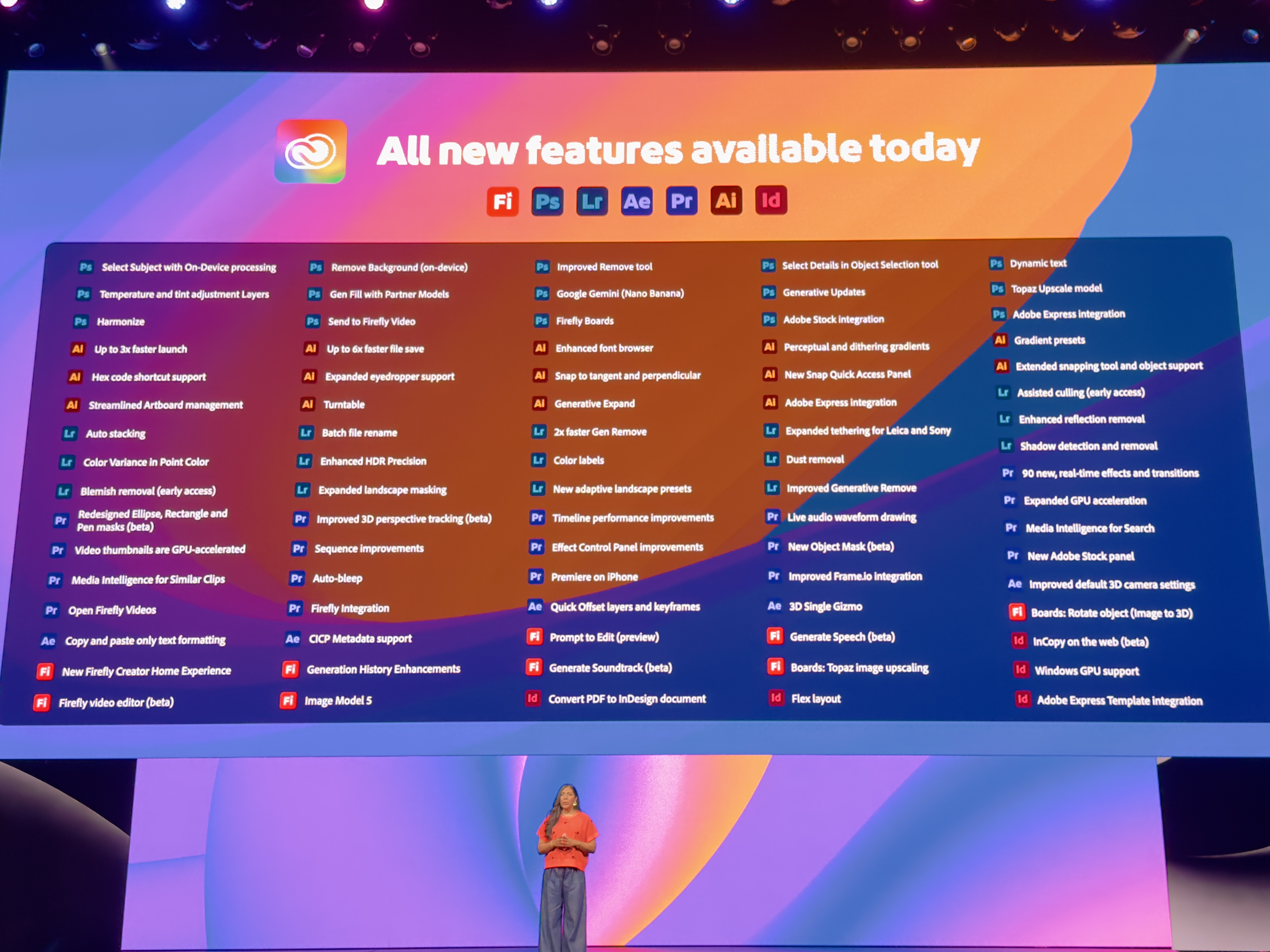
Photoshop is getting a range of new features this year, including the ability to detect and remove people from photos with staggering accuracy. Lightroom is also seeing improvements, with AI handling reflections, dust spots, and more.
In another demo, Project Moonlight is introduced as an AI assistant that acts like a social strategist, helping teams brainstorm, organize, and plan content. David Wadhwani describes this as the "longest MAX we've ever had" due to the sheer amount of innovation across Adobe’s apps.
Project Graph is another highlight, allowing creatives to map out ideal workflows for reuse across different projects. The demo shows how users can repeat workflows across applications and projects seamlessly.
As the keynote wraps up, attendees are eager to digest everything and chat with Adobe execs. After an action-packed day yesterday, today’s session promises more insights into the improvements being made to the Creative Cloud ecosystem.
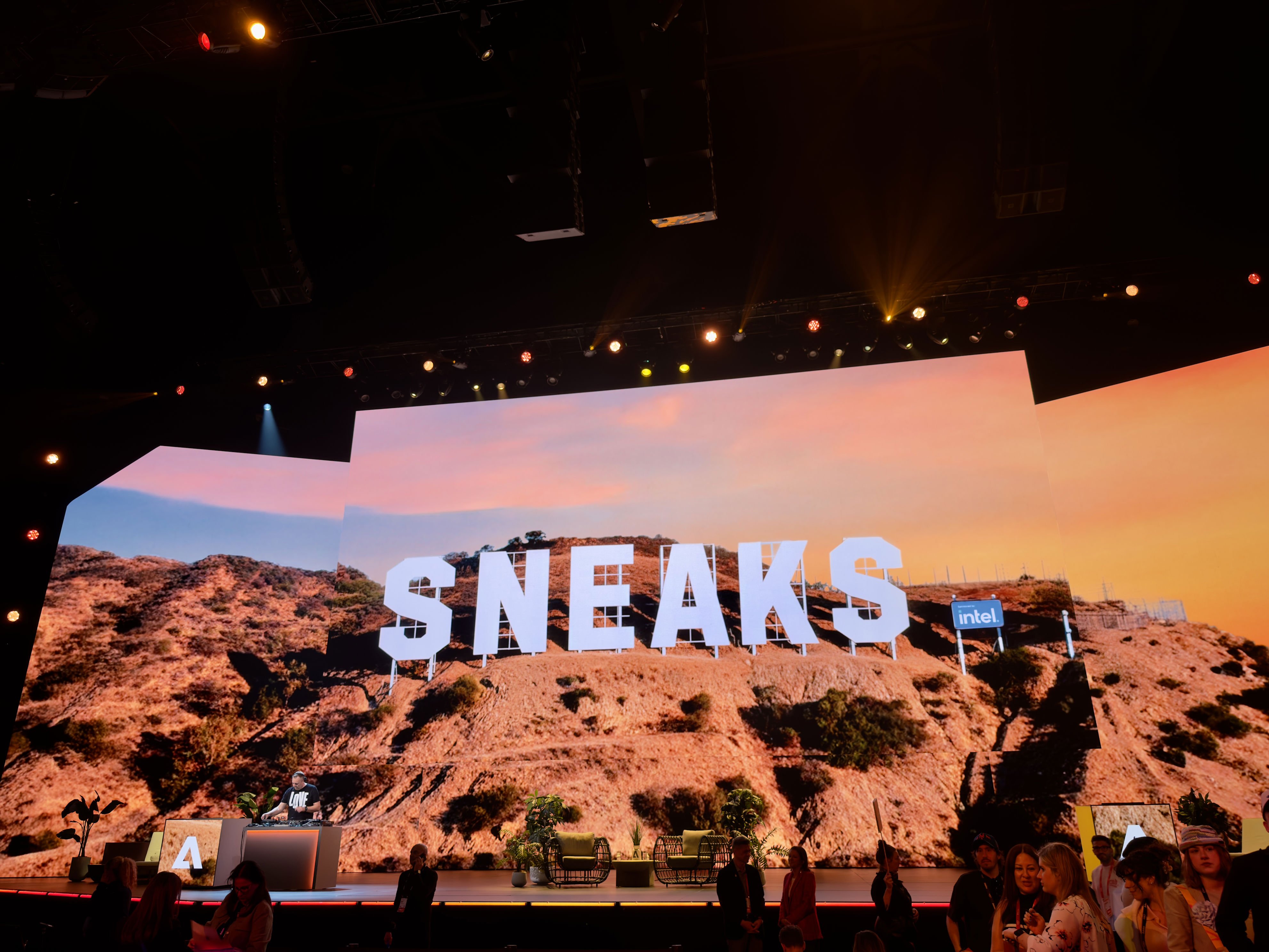
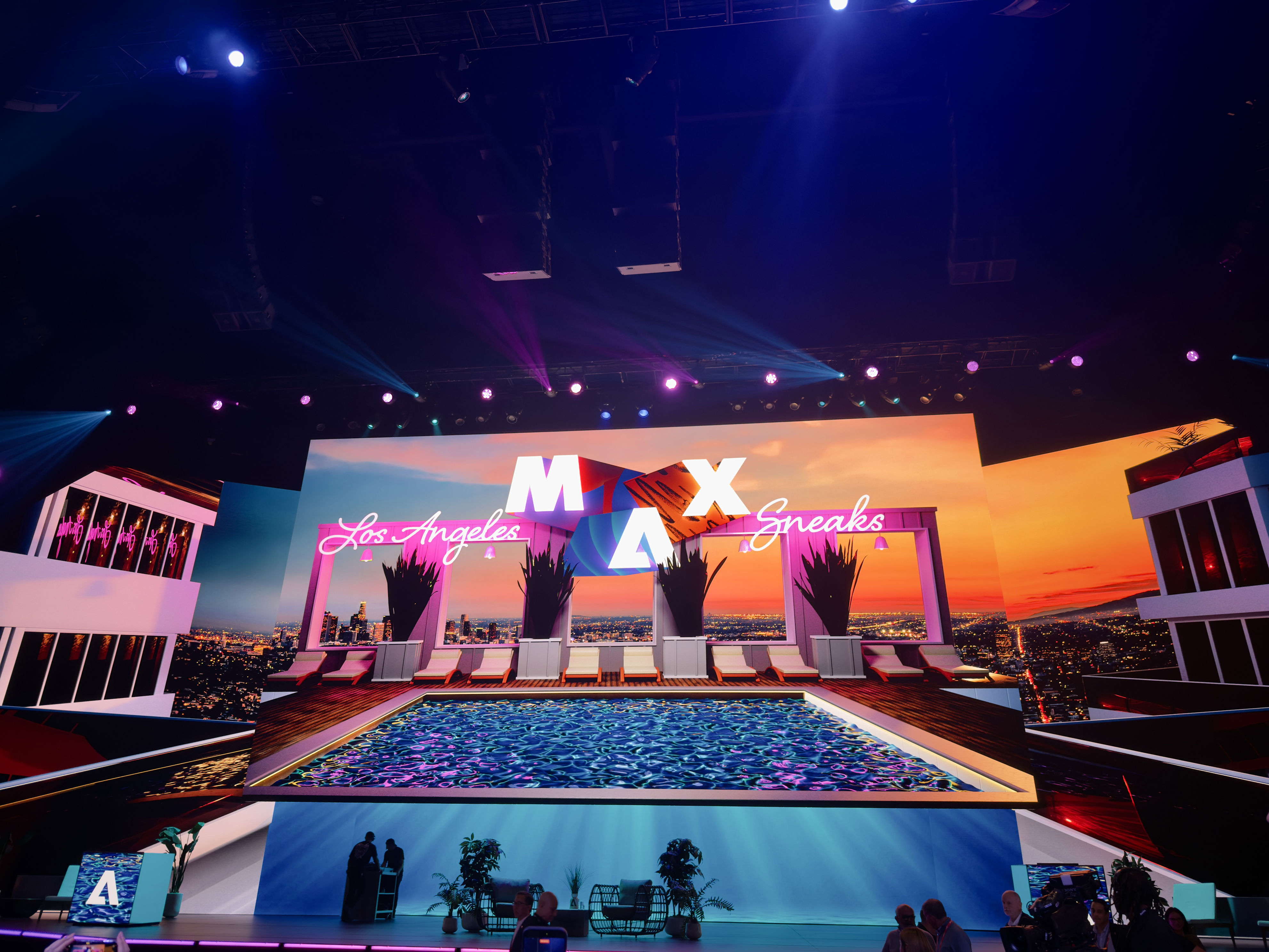
This evening, Adobe hosts its 'Sneaks' session, where developers share details about in-development products. Audience reactions often gauge interest in these pipeline features.
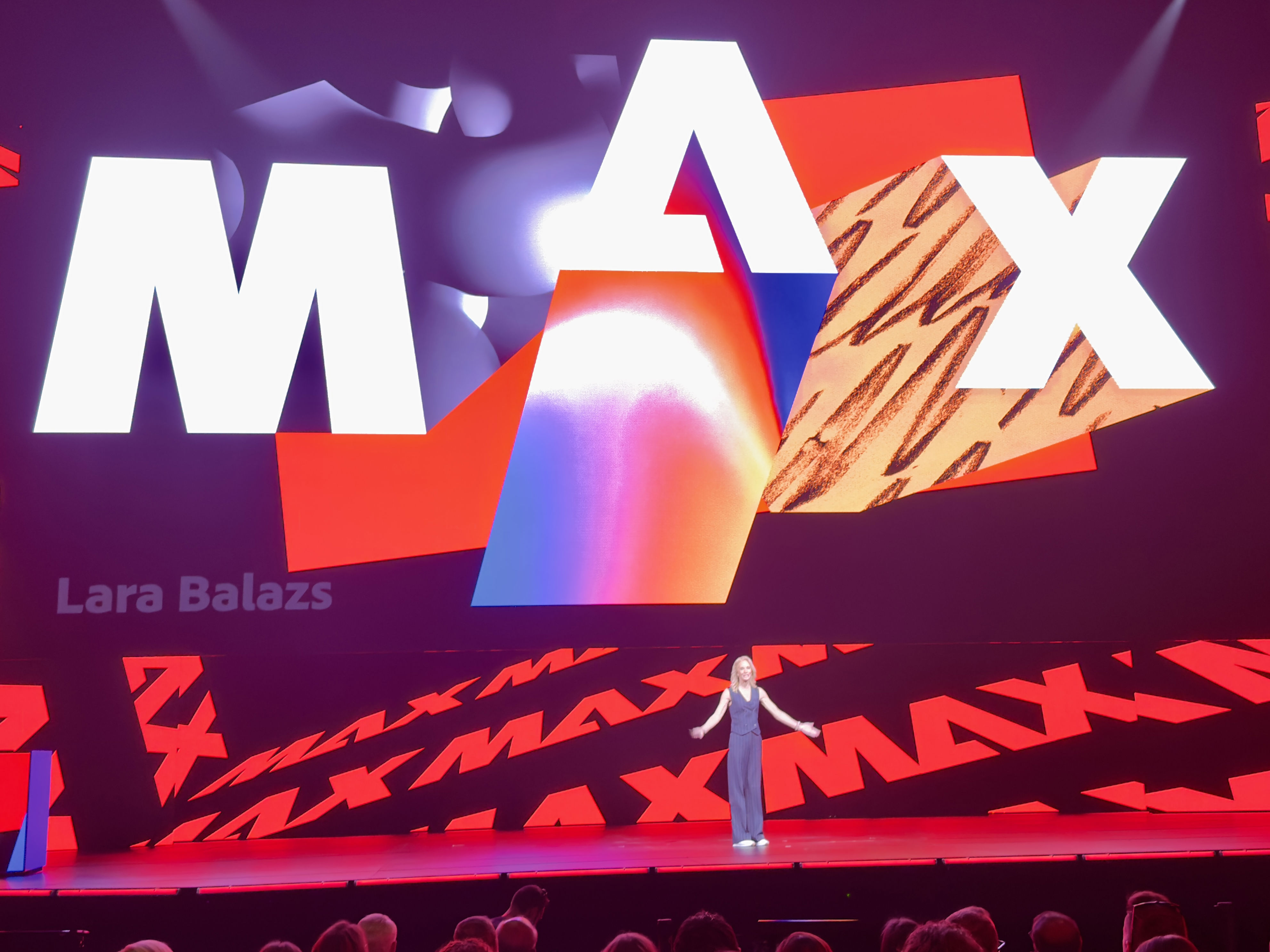
CMO Lara Balazs welcomes the audience, emphasizing that AI will not change who you are, but will amplify what you do. She describes the technology as a “creative partner, ally, and collaborator.”
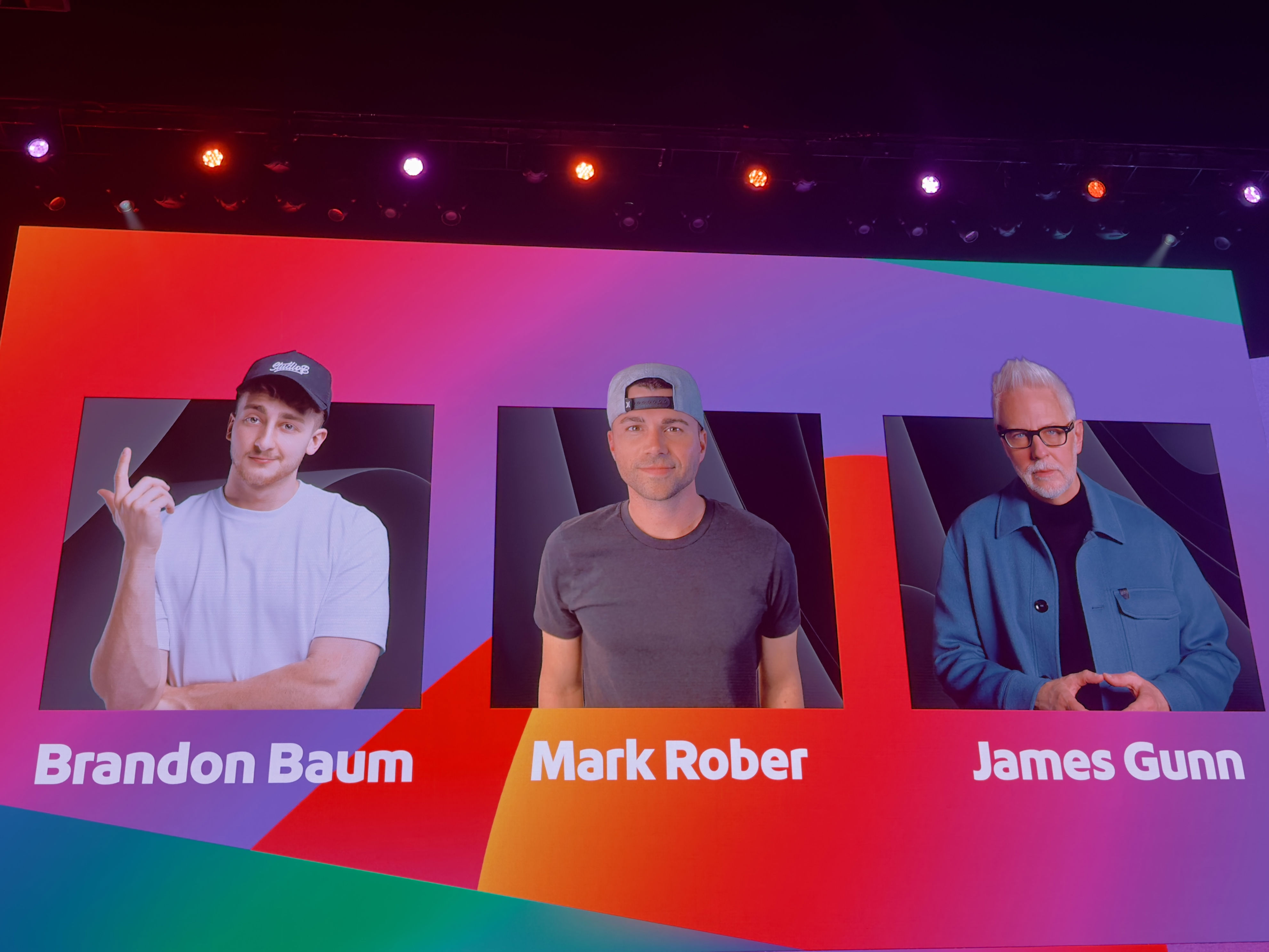
Brandon Baum delivers a live demo showcasing his work with Adobe Express. Mark Rober and James Gunn also speak, highlighting the importance of storytelling and the role of AI in enhancing creativity.
Stacy Martinet, Marketing and Communications VP, acknowledges the rapid pace of change and Adobe’s commitment to upskilling 30 million individuals by 2030 for an AI-enhanced future.
As the Sneaks session approaches, the hall fills with excitement. Paul Trani reminds the audience that the sneaks are not tested and not guaranteed to launch, but audience engagement could influence their development.
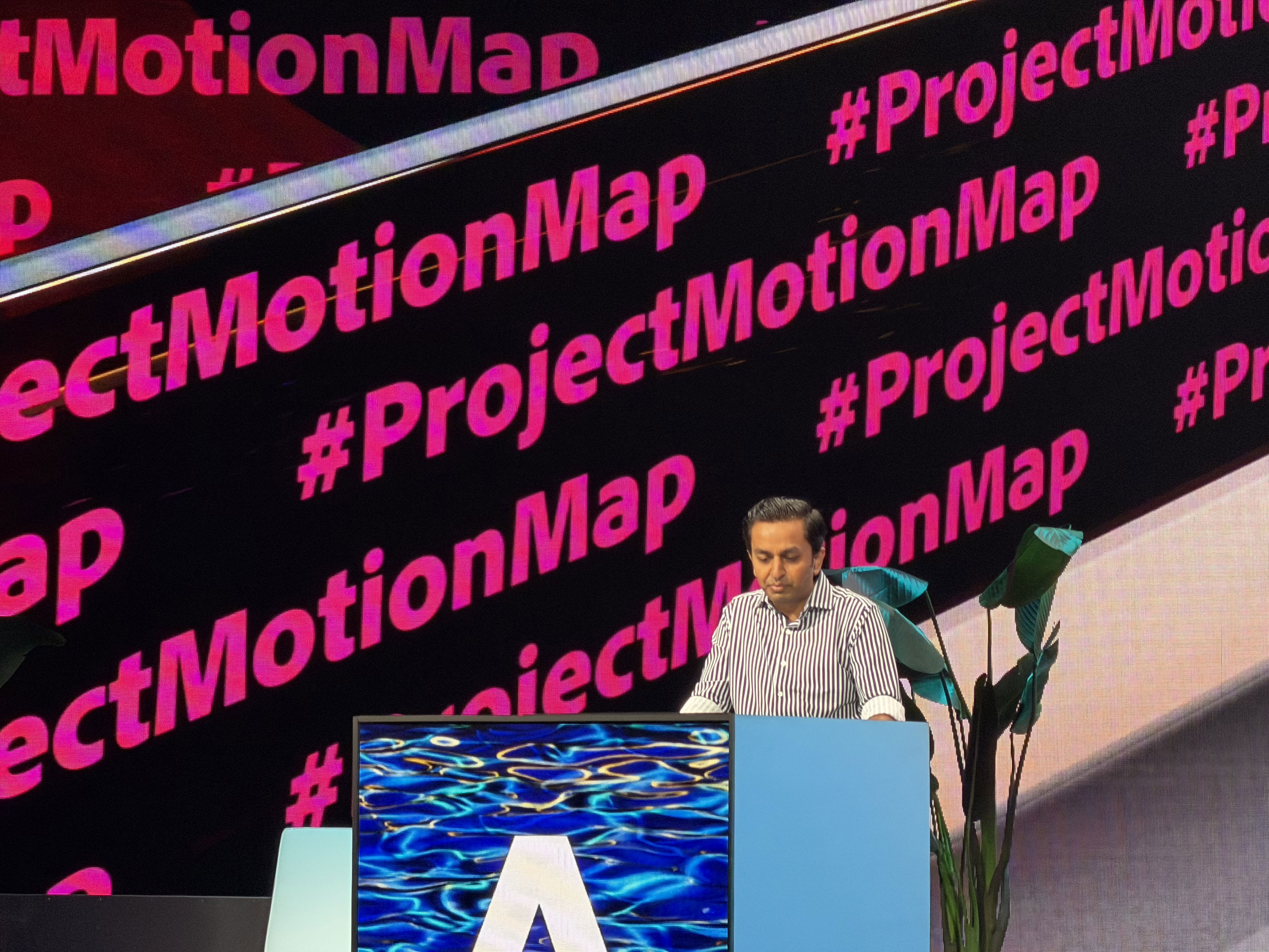
Several pipeline projects are showcased, including #ProjectMotionMap, which uses natural language prompts to animate stills and automatically analyze suggestions for animations.
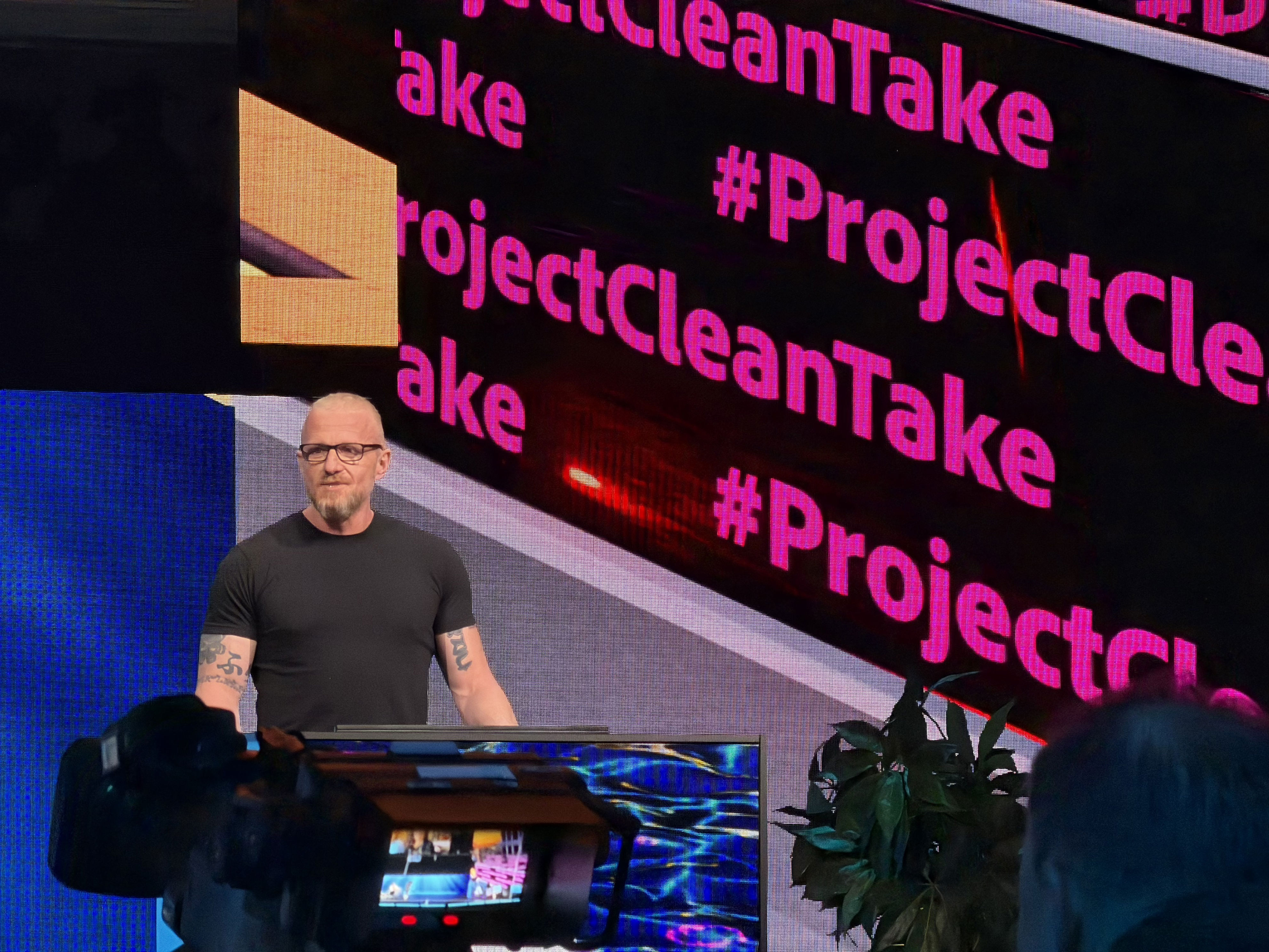
ProjectCleanTake allows users to re-generate speech, change tone and intonation, and swap out words without re-shooting. Audio separation is also featured, enabling users to remove or soften unwanted sounds.
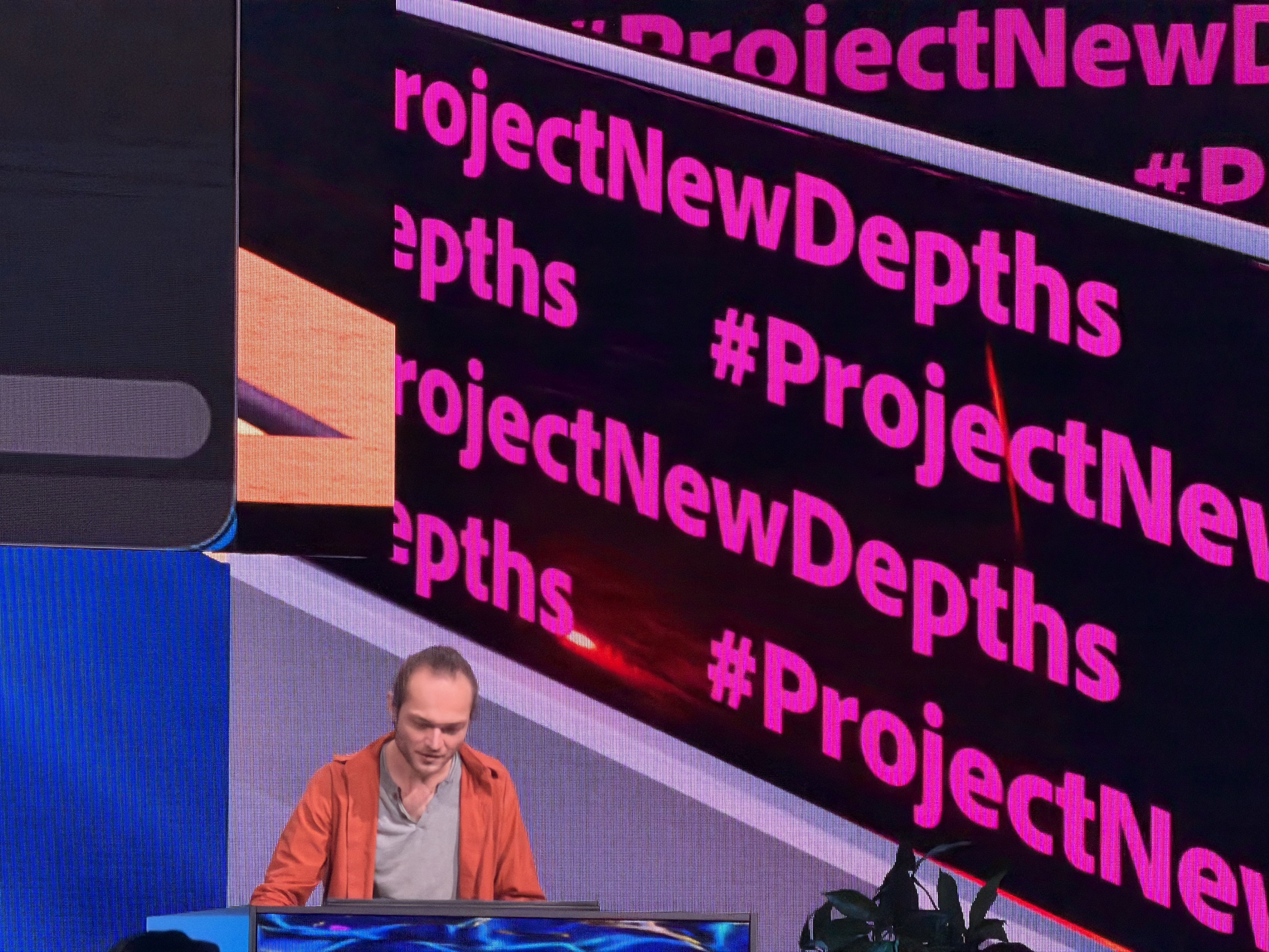
ProjectSurfaceSwap introduces a Photoshop tool to recognize surfaces, making edits easier than using traditional tools like the lasso. #ProjectNewDepths allows users to move elements around in pictures while maintaining realistic depth automatically.
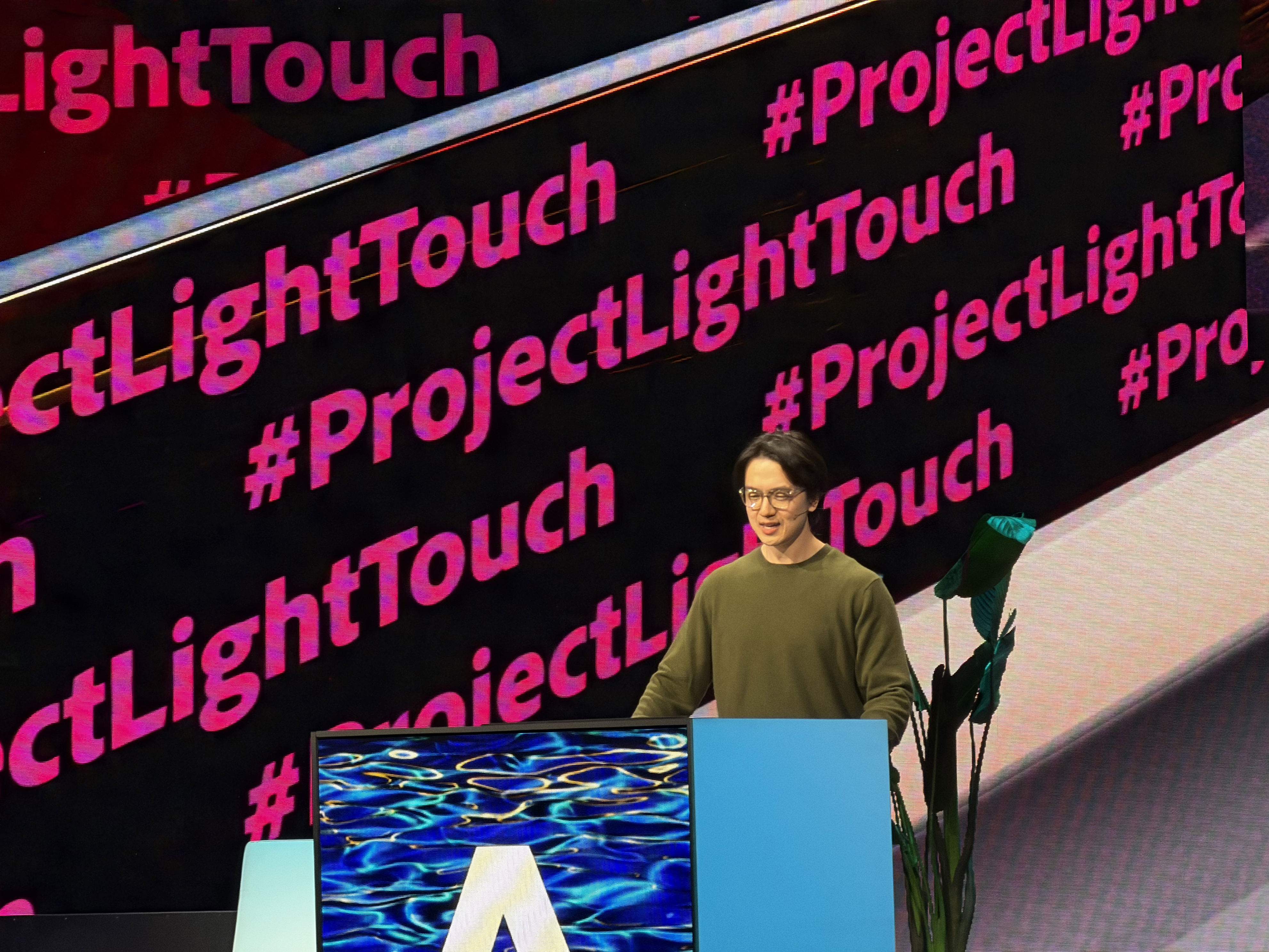
ProjectLightTouch enables users to adjust lights in images, while a light diffuser helps tackle undesirable shadows. #ProjectSceneIt generates a 3D mesh from a single image, perfect for marketers.
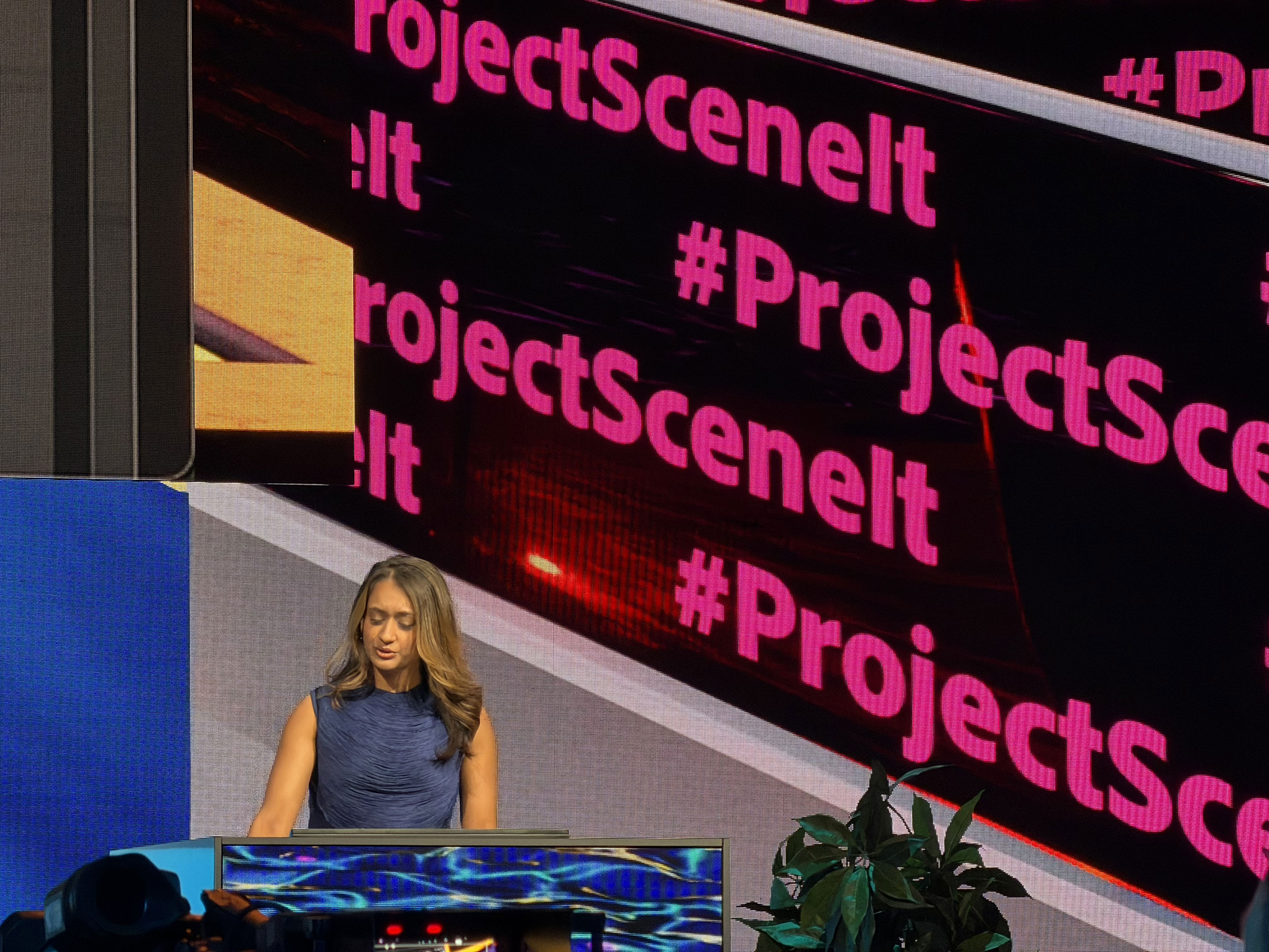
ProjectTraceErase simplifies object removal from photos, and #ProjectFrameForward allows users to edit an entire video by tweaking just one frame. #ProjectSoundStager generates AI sound effects based on context.
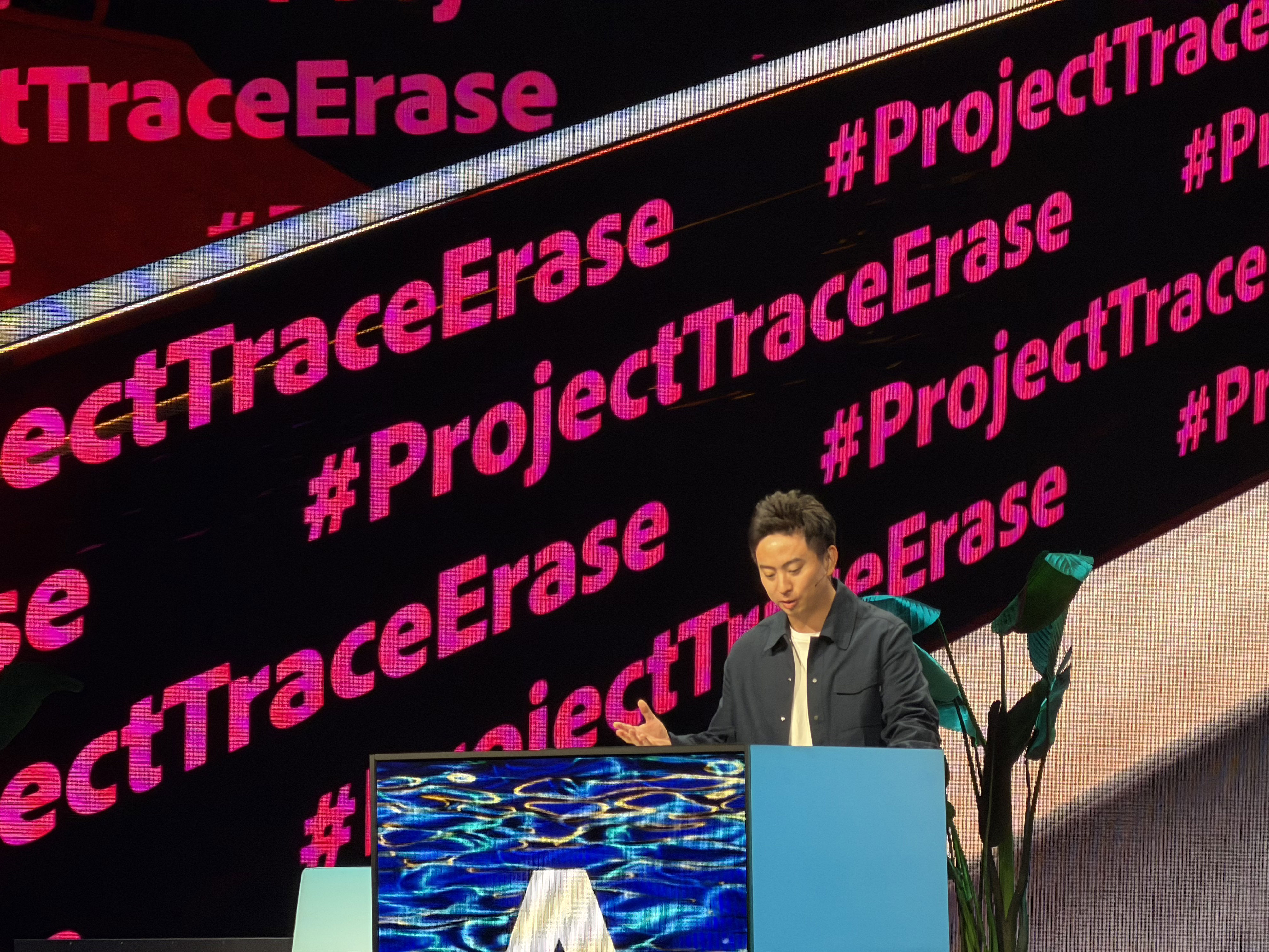
ProjectTurnStyle turns elements of an image into a 3D render, changing perspectives and viewpoints with built-in upresolution. The session concludes with a wrap-up of all the exciting pipeline projects revealed.
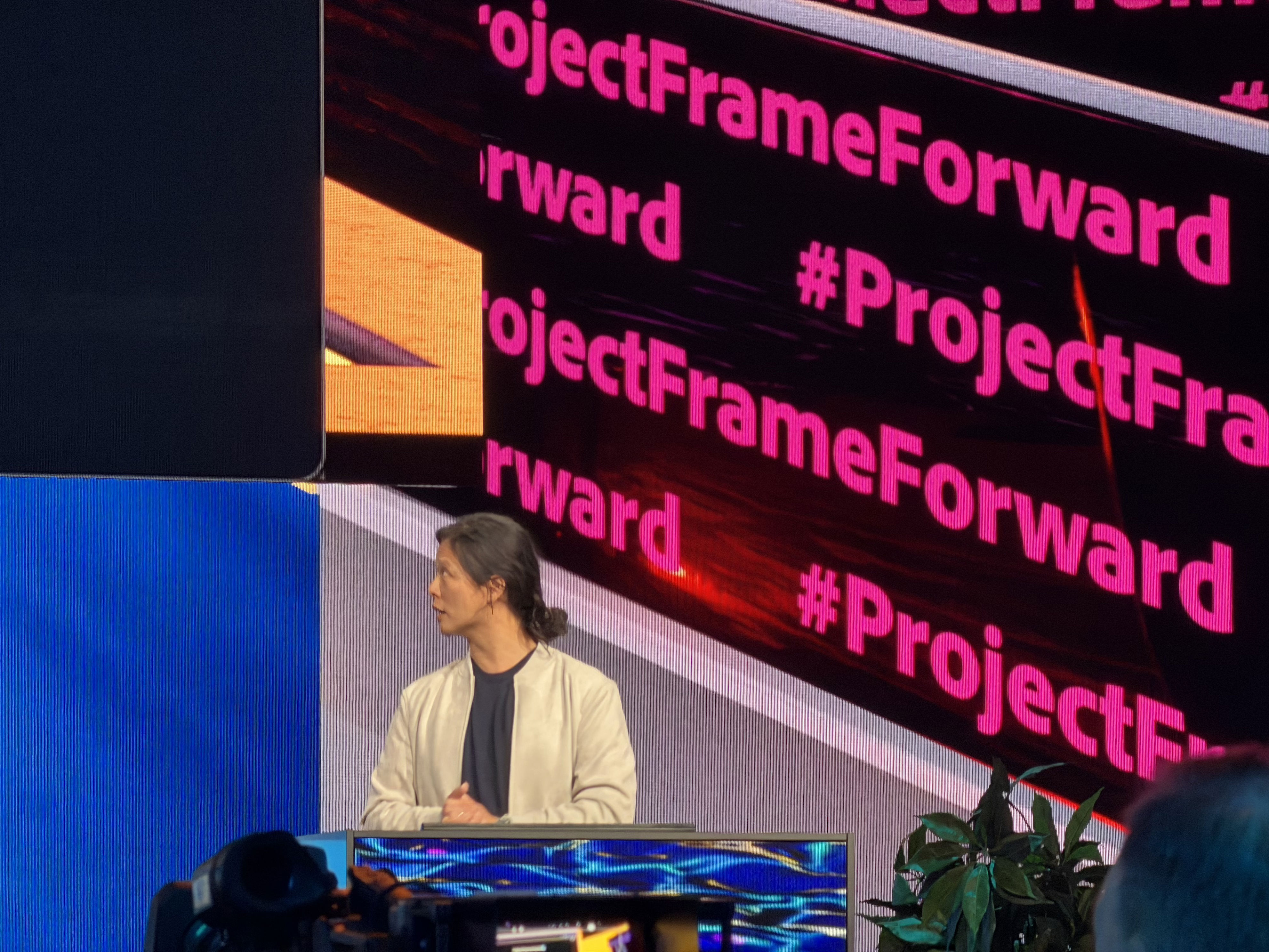
With the Sneaks session complete, Adobe MAX 2025 draws to a close. Attendees leave with a wealth of knowledge and excitement for the future of creative technology. Stay tuned for more detailed posts covering Adobe’s latest announcements soon.

Post a Comment for "Adobe MAX 2025: Day 2 Live from the Creativity Summit"
Post a Comment